A Canva app by ivmar
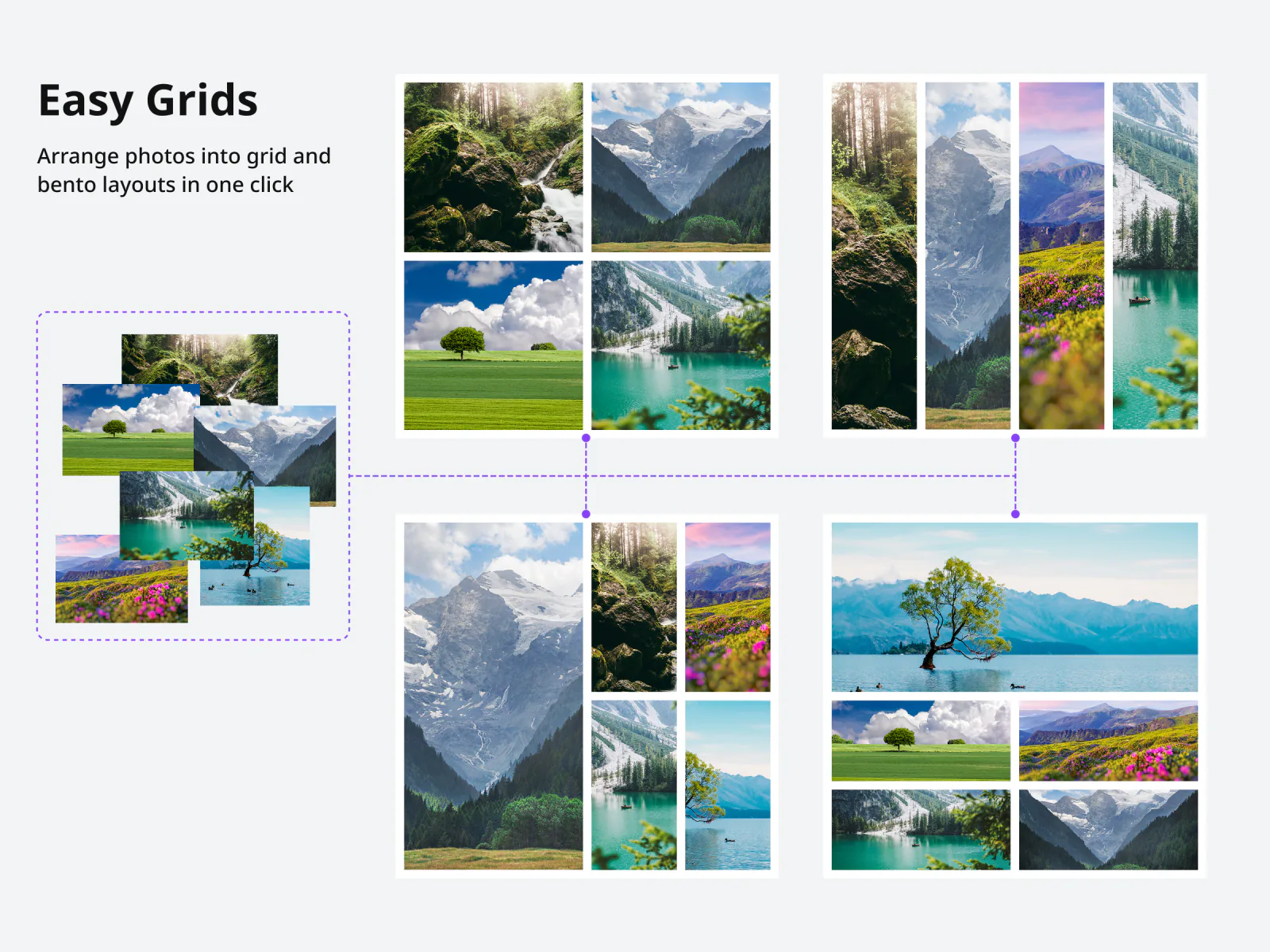
Select the images you already placed on a page. Easy Grids works out the grid, aligns everything to it, and applies the change — without leaving the Canva editor.
How it works
Placing photos by hand means nudging each one until the gaps look even. Easy Grids does the arithmetic instead.
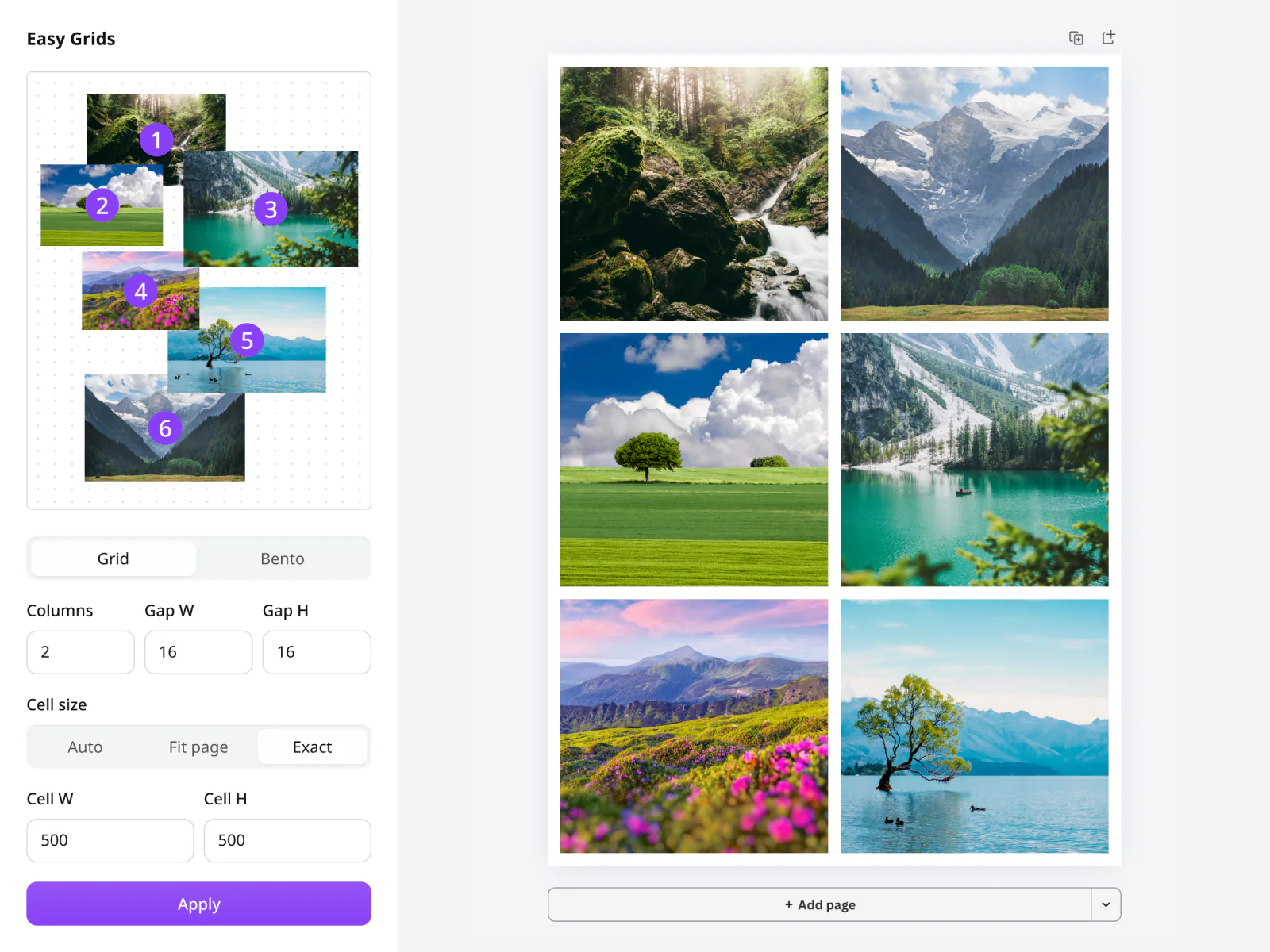
Pick them on the page or drag a marquee across them. The app numbers each one so you can see the order it will use.
Grid or bento, how many columns, the gaps between cells, and whether cells fit the page or take an exact size.
Everything moves at once. Not what you wanted? Canva's own undo puts it back.
Inside the editor
The panel mirrors your actual selection — the numbered thumbnails are your images, not a generic diagram. Change a setting and the preview updates before you commit to anything.
An even grid, or a bento layout where one cell spans a larger block.
Horizontal and vertical spacing are separate, so rows and columns can breathe differently.
Let cells size themselves to the page width, the height, or both — or type an exact size.
The alignment tools underneath the layouts work on any selection, not just photos.
Pricing
Every account gets a handful of free layouts to see whether the app earns its place in your workflow. After that, Pro removes the limit.
$2/month or $12/year — cancel anytime, from inside the app.
Easy Grids is launching on the Canva Apps Marketplace. Plans and pricing are ready now.
See plansYour designs never leave the editor — see the Privacy Policy and Terms.